 Image 1 of 5
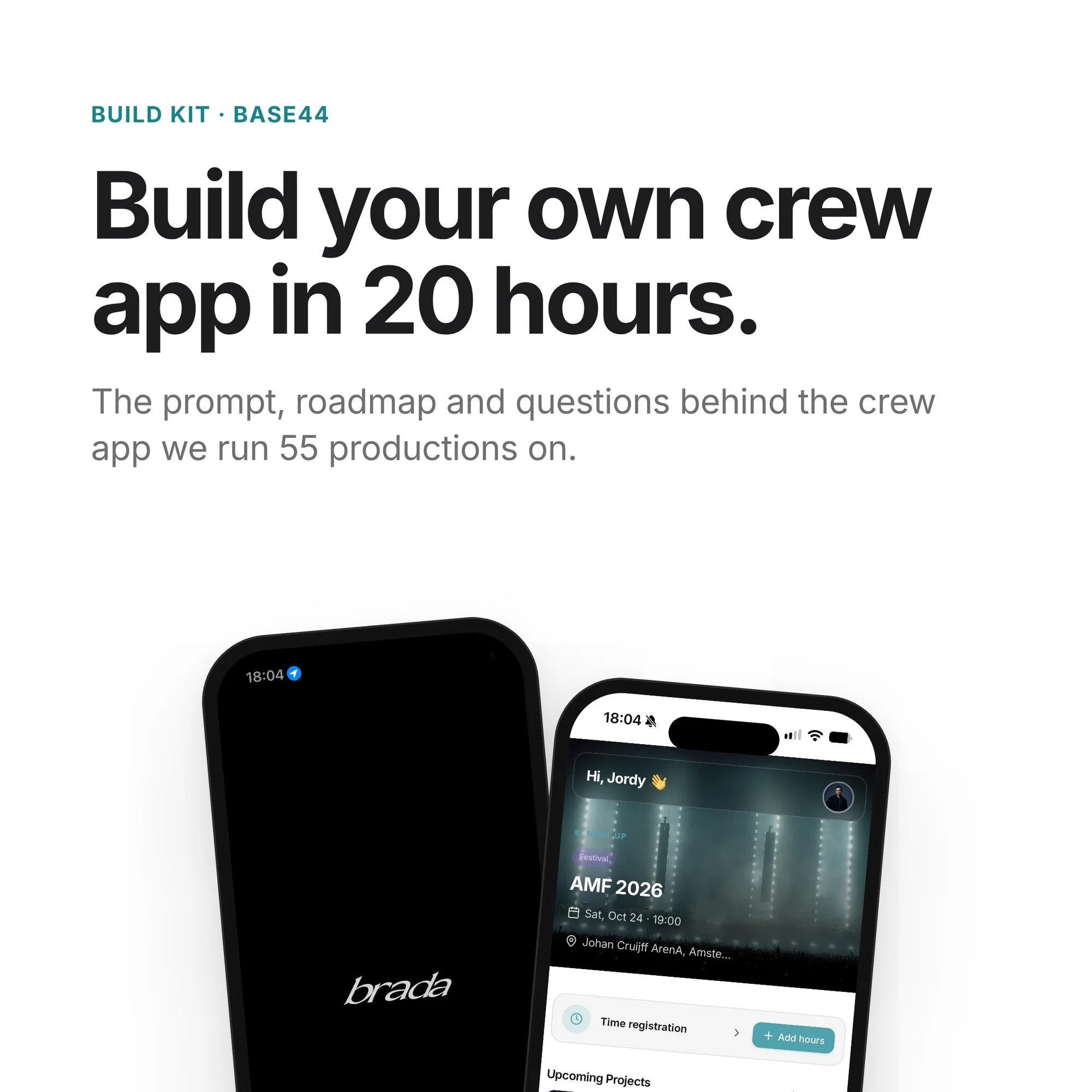 Image 2 of 5
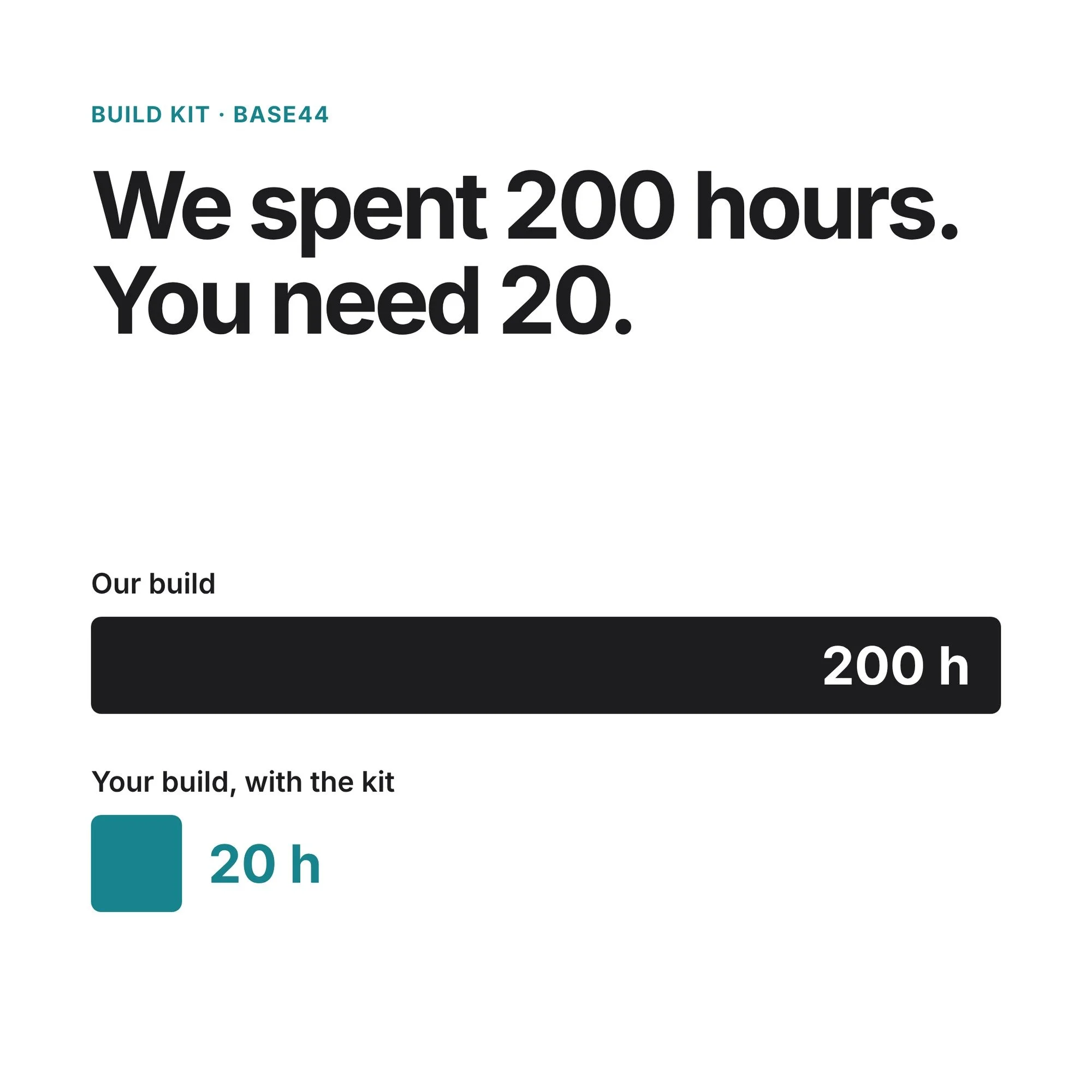 Image 3 of 5
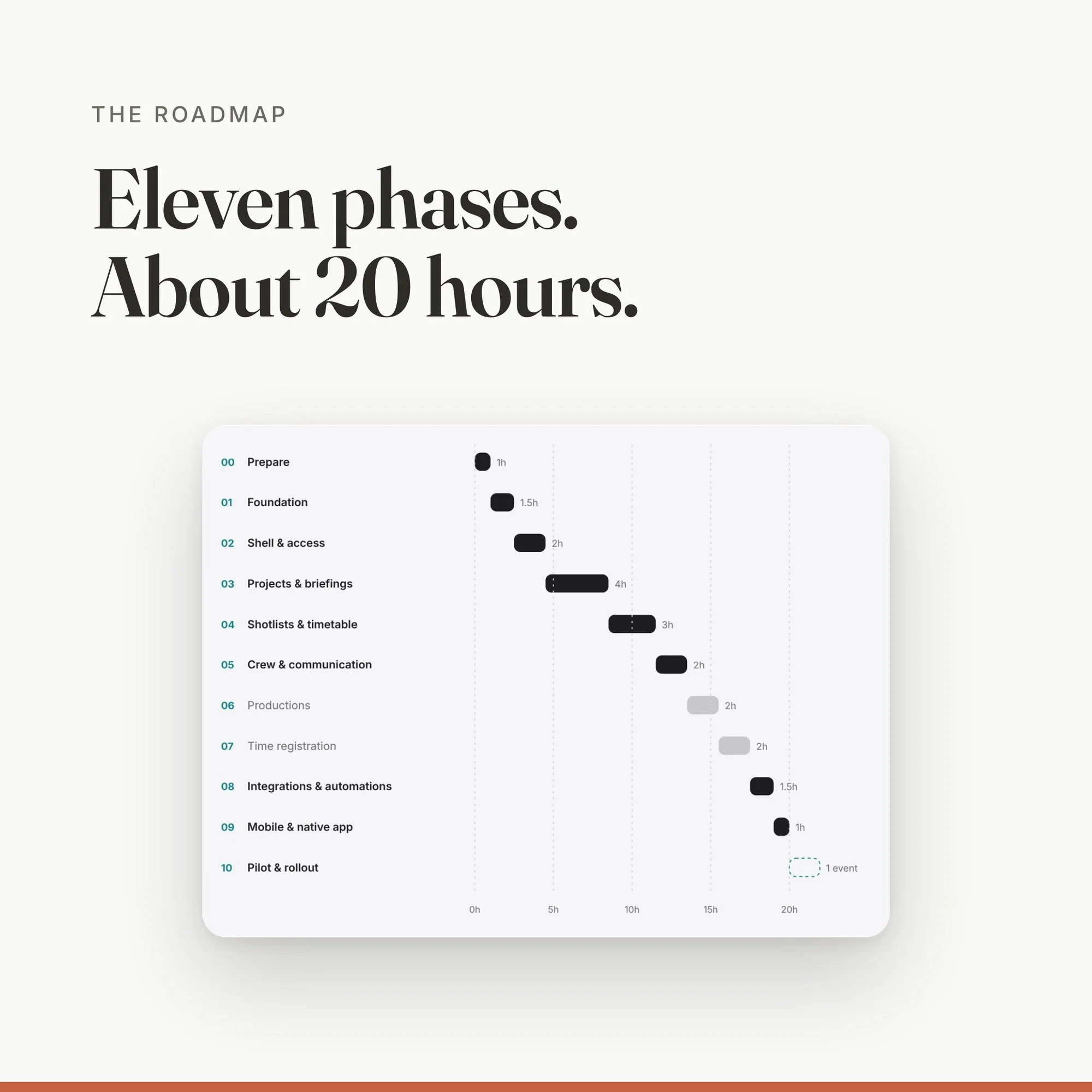 Image 4 of 5
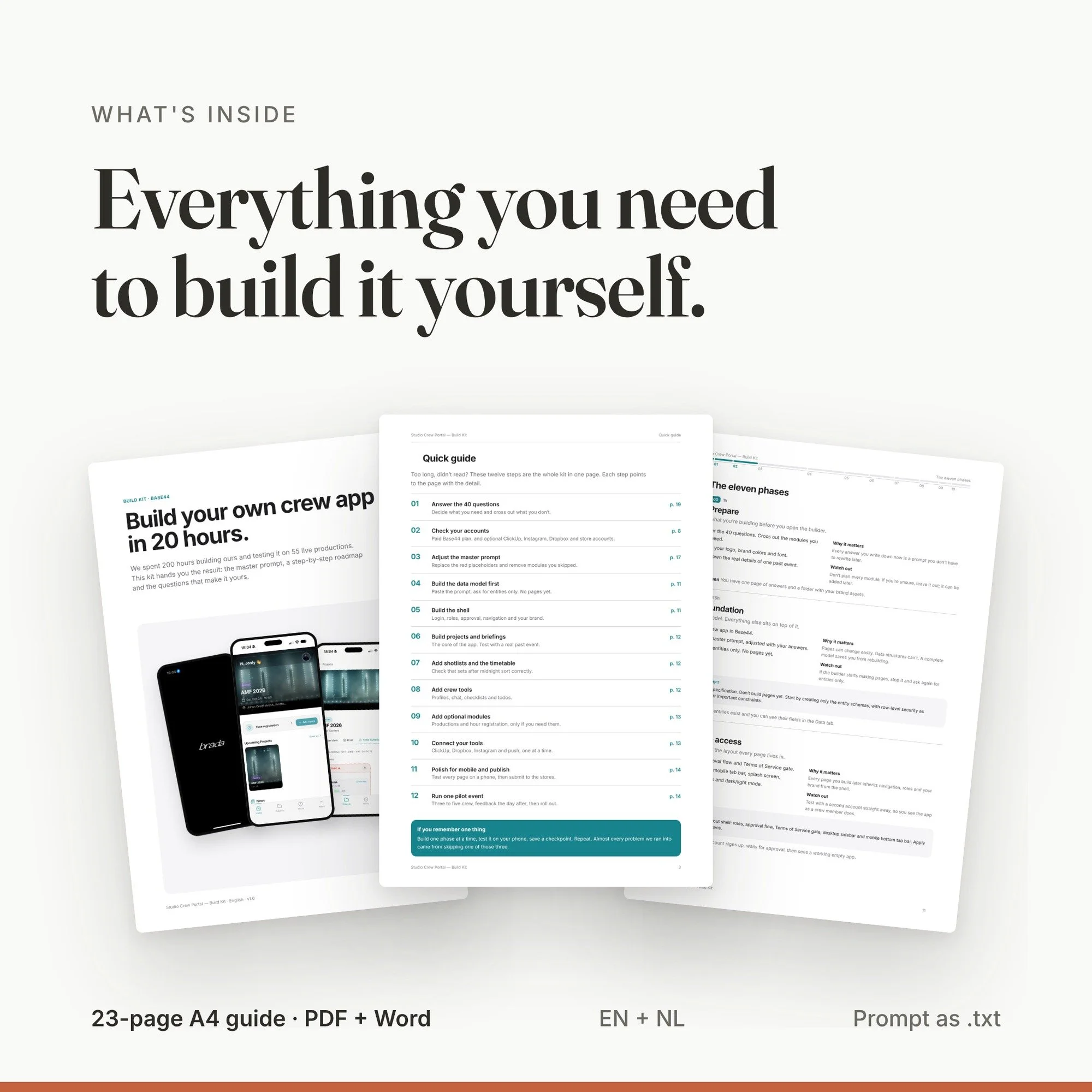 Image 5 of 5
Build your own crew app in about 20 hours, in Base44 or Claude Code. The master prompt, roadmap and 40 questions behind the crew app we run our productions on.
You choose the platform. Build it in Base44, an AI app builder where no code is needed, or in Claude Code if you want to own and host the code yourself. The master prompt, roadmap and questions work in both.
Briefings in group chats, timetables in PDFs, hours in a spreadsheet. We ran productions like that for years, until we built our own crew app. We spent 200 hours developing it, and it has run 55 live productions since. This kit is everything we learned, written down in the order that works.
What's inside
- A 23-page A4 guide (PDF) plus an editable Word version, in English and Dutch
- The master prompt: 36 data entities, 15 pages, integrations, design system and security rules
- An eleven-phase roadmap with a starter prompt and a clear "done when" per phase
- 40 tailoring questions, so the app fits your workflow instead of ours
- A connector guide for ClickUp, Instagram, Dropbox and native push notifications
- Eight rules for building with AI, learned the hard way
- The master prompt as a separate .txt file
What you'll build
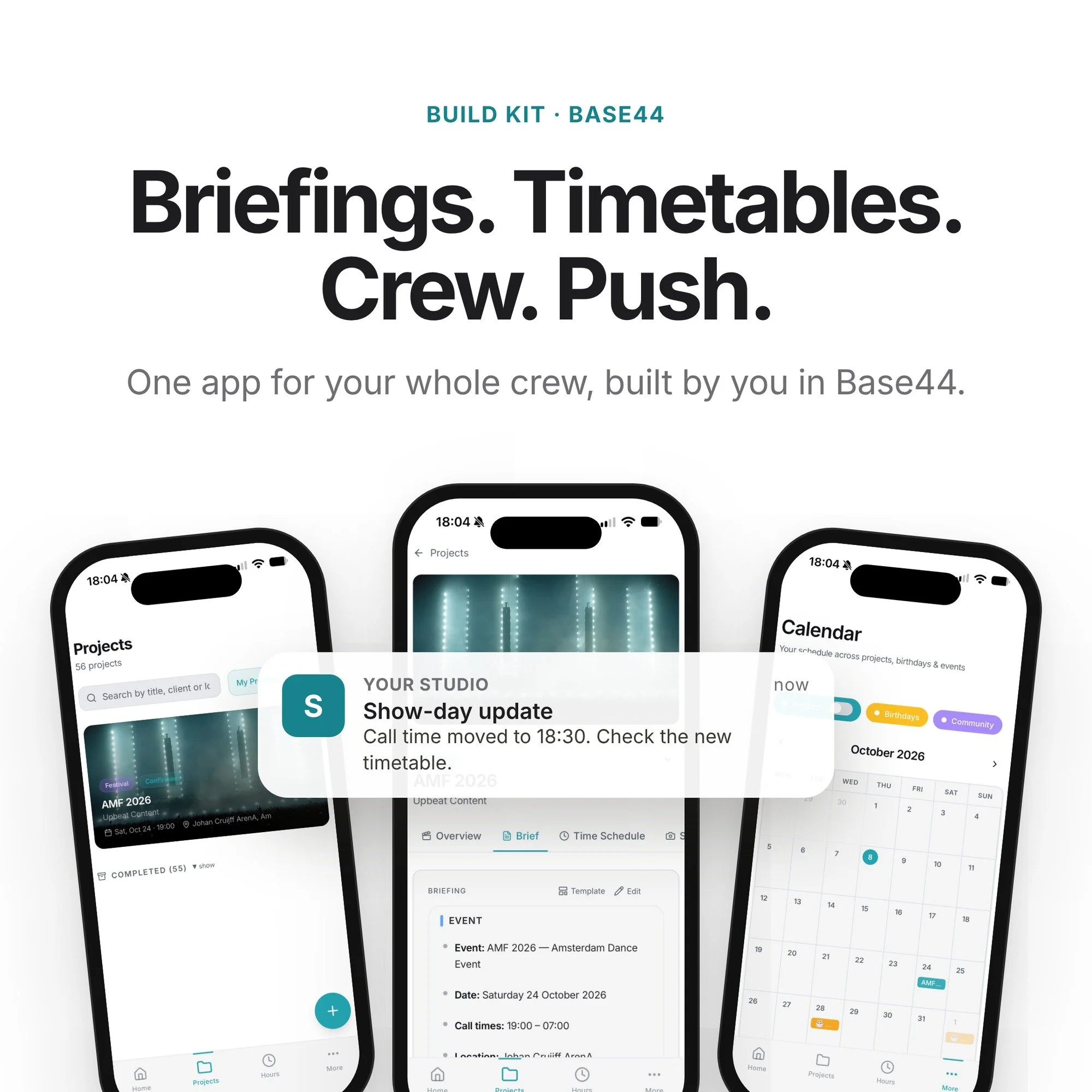
Projects with briefings and crew planning. Shotlists per photographer. Live timetables that sort past midnight. Crew profiles, approvals and project chat. Push notifications to your whole crew. Optional: production costs and profit, and hour registration with PDF reports.
Who it's for
Photo and video studios, event agencies, production companies and crew-based teams who want their own app instead of another subscription.
What you need
Base44: a paid plan with backend functions and app publishing.
Claude Code: a Claude plan with Claude Code, plus your own hosting and database.
For the App Store and Google Play you also need an Apple Developer and a Google Play Console account.
Expected build time: about 20 hours (core app about 16).
License: for use by one studio or business. Reselling or sharing the kit is not allowed. Digital product, no refunds after download.
Build your own crew app in about 20 hours, in Base44 or Claude Code. The master prompt, roadmap and 40 questions behind the crew app we run our productions on.
You choose the platform. Build it in Base44, an AI app builder where no code is needed, or in Claude Code if you want to own and host the code yourself. The master prompt, roadmap and questions work in both.
Briefings in group chats, timetables in PDFs, hours in a spreadsheet. We ran productions like that for years, until we built our own crew app. We spent 200 hours developing it, and it has run 55 live productions since. This kit is everything we learned, written down in the order that works.
What's inside
- A 23-page A4 guide (PDF) plus an editable Word version, in English and Dutch
- The master prompt: 36 data entities, 15 pages, integrations, design system and security rules
- An eleven-phase roadmap with a starter prompt and a clear "done when" per phase
- 40 tailoring questions, so the app fits your workflow instead of ours
- A connector guide for ClickUp, Instagram, Dropbox and native push notifications
- Eight rules for building with AI, learned the hard way
- The master prompt as a separate .txt file
What you'll build
Projects with briefings and crew planning. Shotlists per photographer. Live timetables that sort past midnight. Crew profiles, approvals and project chat. Push notifications to your whole crew. Optional: production costs and profit, and hour registration with PDF reports.
Who it's for
Photo and video studios, event agencies, production companies and crew-based teams who want their own app instead of another subscription.
What you need
Base44: a paid plan with backend functions and app publishing.
Claude Code: a Claude plan with Claude Code, plus your own hosting and database.
For the App Store and Google Play you also need an Apple Developer and a Google Play Console account.
Expected build time: about 20 hours (core app about 16).
License: for use by one studio or business. Reselling or sharing the kit is not allowed. Digital product, no refunds after download.